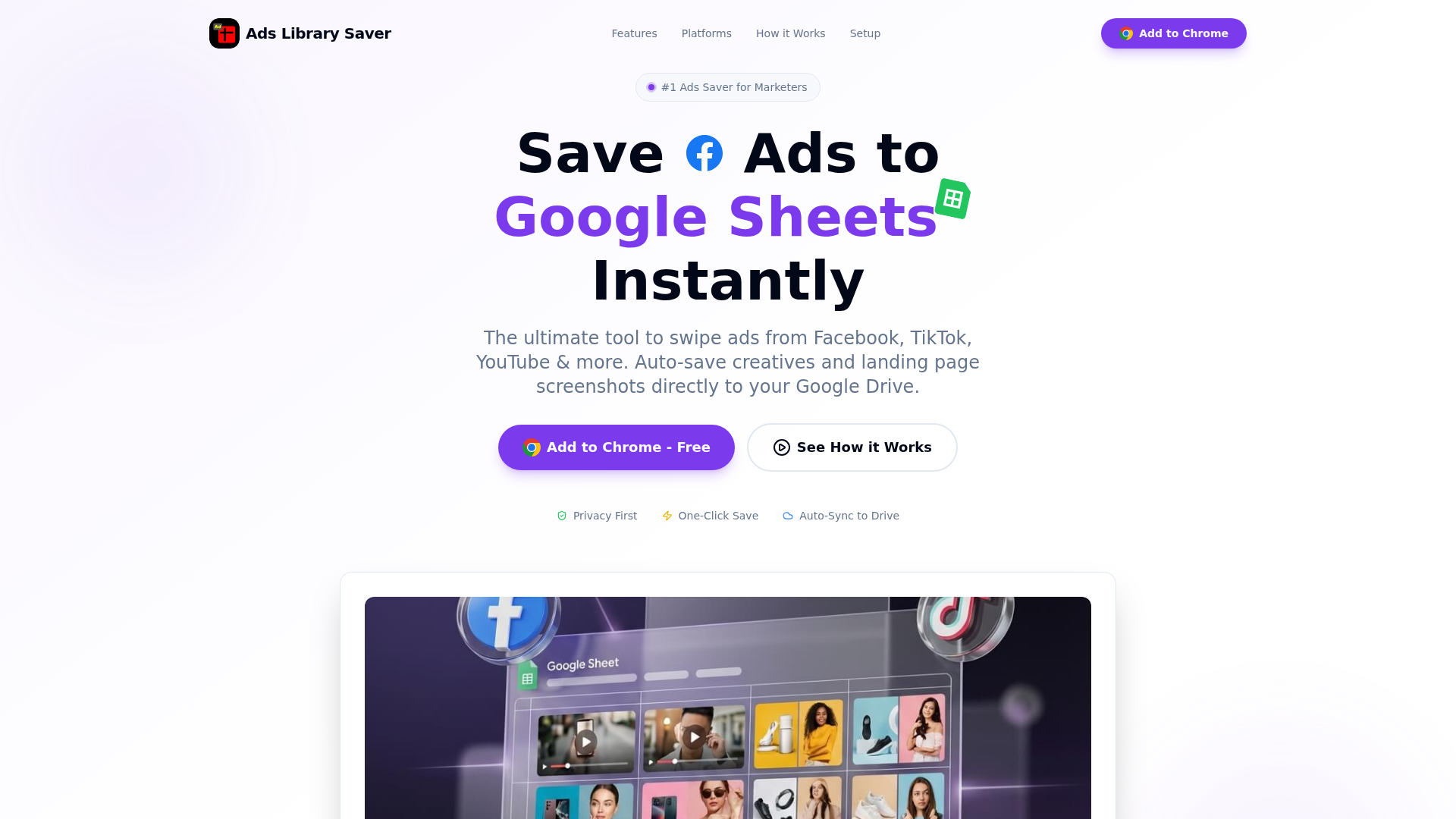
Ads Library Saver is a powerful, privacy-first Chrome extension designed for marketers to effortlessly build and manage their ad swipefiles. It automates the process of saving ads from major platforms like Facebook, TikTok, YouTube, and more, directly into the user's Google Sheets and Google Drive. This tool is ideal for digital marketing professionals, media buyers, and creative strategists looking to streamline competitor ad research and creative inspiration.
Key Features:
- Privacy First: All data is saved directly to your Google account, ensuring complete privacy and control.
- One-Click Save: Capture ad creatives, copy, CTAs, and metadata instantly, eliminating manual work.
- Multi-Platform Support: Save ads from Facebook Ad Library, TikTok, YouTube, Instagram, LinkedIn, X.com, and more.
- Auto-Sync to Google Drive: High-resolution images, videos, and full-page landing page screenshots are automatically saved.
- Smart Organization in Google Sheets: All captured ad data is structured for easy filtering, sorting, and team collaboration.
- Comprehensive Data Capture: Captures ad creative, copy, CTA, landing page URL/screenshot, engagement metrics, page name, and ad ID.
Use Cases:
This SAAS is invaluable for marketers conducting competitor analysis and building robust creative swipefiles. It automates the tedious task of collecting ad examples, saving significant time for individuals and teams. By capturing detailed ad information and assets, users can quickly identify trends, analyze successful strategies, and gather inspiration. The Google Sheets integration facilitates seamless team collaboration, allowing for shared insights and real-time tracking of competitor activities.Pricing Information:
Ads Library Saver is 100% Free Forever. There are no monthly fees, hidden costs, or credit card requirements, making it an accessible solution for all marketers.User Experience and Support:
The extension offers a user-friendly experience with a simple three-step setup and one-click save functionality. Its direct integration with Google services ensures a familiar and efficient workflow. Users can refer to the "Quick Setup Guide" and contact support for assistance.Technical Details:
Operating as a Chrome browser extension, Ads Library Saver integrates directly with Google Sheets for structured data and Google Drive for media file storage. This approach ensures user data privacy and control within the Google ecosystem.Pros and Cons:
Pros:
- Completely free with no subscription costs.
- Ensures data privacy by storing everything in your Google account.
- Automates ad saving across multiple major ad platforms.
- Captures rich metadata and full landing page screenshots.
- Excellent for team collaboration via Google Sheets/Drive.
Cons:
- Functionality is limited to the Chrome browser.
- Requires a Google account for full integration.
- Relies on Google Sheets for advanced data analysis.
Conclusion:
Ads Library Saver provides an essential, cost-free solution for marketers to efficiently build and manage their ad swipefiles while maintaining data privacy. Its seamless integration with Google's ecosystem makes it an indispensable tool for competitive research and creative inspiration. Add Ads Library Saver to Chrome today and elevate your ad research workflow.Comments
Achievement


Publisher

Launch Date2026-04-17
Platformweb
Pricingfree
Tech Stack
#web
Sponsors

Boost Domain Rating
Get high-quality backlinks from trusted directories and climb your Ahrefs Domain Rating faster

Nick Launches
A launch platform for builders —> Get discovered, get a backlink.
Allwebforms
Build free online forms, surveys, and lead funnels with Allwebforms. No-code builder with AI, email alerts, and 300+ integrations. Advanced Visitor analysis, notifications, Online visitors, Submission-started notifications, and more.
Become a Sponsor
Get your brand featured here
Outbid
View🥇 🥈
🥈 🥉
🥉
Want this spot? Pay what you wantBoost Domain Rating - Boost Domain Rating is a platform to discover and upvote the best tech products. Find top products launching daily.
Boost Domain Rating is a platform to discover and upvote the best tech products. Find top products launching daily.
$35
DirEasy - The Best Directory Boilerplate with AI | DirEasy
The best directory boilerplate, packed with AI, Listings, Payment, Submission, CMS, Blog, Authentication, Newsletter, SEO and more.
$30
Quiz Shot - Solve Any Screenshot Question in Seconds.
AI Study Assistant that answers any screenshot question. Get free AI tutor and step-by-step math and homework help with ChatGPT.
$25