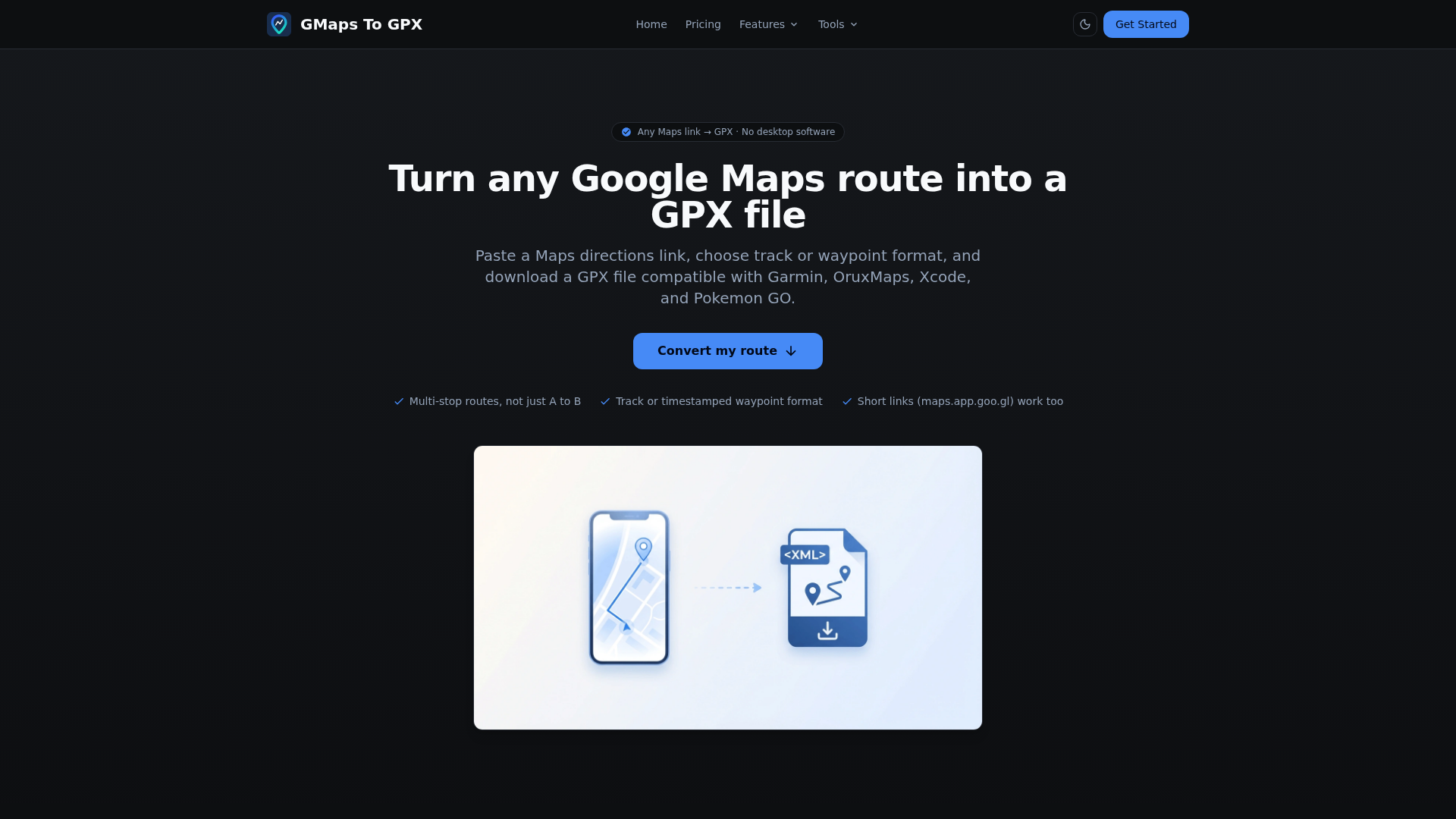
<p>GMaps To GPX is an intuitive online SaaS tool designed to effortlessly convert Google Maps directions into universally compatible GPX files. It serves a diverse audience, from outdoor enthusiasts and fitness buffs to app developers and gamers, enabling them to transfer routes to their preferred GPS devices, navigation applications, or simulation tools.</p><h3>Key Features</h3><ul><li>Seamless conversion of any Google Maps directions link (including short <code>maps.app.goo.gl</code> URLs) to GPX.</li><li>Supports complex multi-stop routes, not just simple A to B.</li><li>Offers both continuous track format for navigation apps and timestamped waypoint format for specific use cases like Xcode and Pokemon GO.</li><li>Completely web-based, requiring no desktop software, plugins, or installations, and accessible from any device.</li><li>Ensures user privacy by deleting route data immediately after GPX file generation.</li><li>Includes additional free tools for converting between GPX, KML, TCX, and FIT formats.</li></ul><h3>Use Cases</h3><p>This versatile tool is invaluable for various scenarios. Android users can easily import GPX tracks into popular navigation apps like OruxMaps, Locus Map, or OsmAnd for offline mapping and route following. This is perfect for hiking, cycling, or driving where reliable navigation is crucial.</p><p>For developers, GMaps To GPX simplifies location testing. iPhone and iOS developers can load GPX waypoints into Xcode's iOS Simulator to simulate real-world movement, streamlining the development and testing of location-aware applications. Similarly, Pokemon GO players and tool users can generate precise, timestamped GPX waypoints for route simulation, enhancing their gameplay experience.</p><p>Beyond navigation and development, the platform caters to fitness and outdoor activities. Users can convert routes for Garmin devices, Strava, and other fitness platforms, or utilize the integrated format conversion tools to switch between GPX, KML (Google Earth), TCX (Garmin Training Center), and FIT (Garmin binary) files, ensuring compatibility across a wide ecosystem of devices and services.</p><h3>Pricing Information</h3><p>GMaps To GPX operates on a freemium model. New accounts are provided with a small number of free credits to experience the converter without any upfront cost or credit card requirement. Each successful conversion consumes one credit. Users can purchase additional credits from the pricing page, and these credits never expire. Importantly, the dedicated format conversion tools (GPX to KML, KML to GPX, GPX to TCX, TCX to GPX, FIT to GPX) and the GPX viewer are entirely free to use, requiring no credits.</p><h3>User Experience and Support</h3><p>The platform boasts a straightforward, three-step conversion process: paste a Google Maps link, sign in and convert, then download. Its web-based nature ensures accessibility and ease of use across all devices, from desktops to smartphones. The interface is designed for one-click conversion, making it highly efficient. For support, users can reach out via <a href="mailto:help@gmapstogpx.com">help@gmapstogpx.com</a>.</p><h3>Technical Details</h3><p>GMaps To GPX leverages the open XML standard of GPX (GPS Exchange Format) as its primary output, ensuring broad compatibility with virtually all GPS devices and applications, including Garmin, Strava, OruxMaps, and Locus Map. The conversion process runs securely on their server, requiring a Google sign-in to fetch detailed route data from Google Maps. This approach ensures accuracy and reliability while maintaining user privacy.</p><h3>Pros</h3><ul><li>Extremely easy to use with a simple, web-based interface.</li><li>No software installation or plugins required.</li><li>Supports multi-stop routes and short Google Maps URLs.</li><li>Offers both track and timestamped waypoint formats for diverse needs.</li><li>High compatibility with a wide range of GPS devices and apps.</li><li>Includes free, integrated tools for other format conversions (KML, TCX, FIT).</li><li>Strong emphasis on user privacy with immediate data deletion.</li></ul><h3>Cons</h3><ul><li>Requires Google sign-in for route conversion.</li><li>Conversion feature is credit-based after initial free credits.</li><li>No explicit mention of offline functionality.</li></ul><h3>Conclusion</h3><p>GMaps To GPX stands out as an essential, user-friendly online tool for anyone needing to bridge the gap between Google Maps and GPX-compatible devices or applications. Its efficiency, broad compatibility, and commitment to privacy make it a top choice for converting routes. Explore GMaps To GPX today to streamline your navigation, development, or gaming workflows.</p>
Comments
Publisher

Launch Date2026-09-08
Platformweb
Pricingfreemium
Tech Stack
#web
Sponsors

Boost Domain Rating
Raise your Ahrefs Domain Rating with 5 - 50 dofollow backlinks from DR 30–65 sites — from $50, guaranteed to improve your DR or your money back.

Nick Launches
A launch platform for builders —> Get discovered, get a backlink.
Become a Sponsor
Get your brand featured here
Outbid
View🥇 🥈
🥈 🥉
🥉
Want this spot? Pay what you wantBest Launch Directories: launch directories with DR, traffic and pricing
Launch directories, product launch platforms and startup listing sites in one table, with Domain Rating by Ahrefs, traffic where known, pricing and link type for each.
$50
Boost Your Domain Rating — DoFollow Backlinks (DR 30–70) from $30
Raise your Ahrefs Domain Rating with 5 - 50 dofollow backlinks from DR 30–60 sites — from $50, guaranteed to improve your DR or your money back.
$45
DirEasy - The Best Directory Boilerplate with AI | DirEasy
The best directory boilerplate, packed with AI, Listings, Payment, Submission, CMS, Blog, Authentication, Newsletter, SEO and more.
$41