This project is scheduled for launch
Launch date: Saturday, May 22, 2027 at 08:00 AM UTC
Scheduled
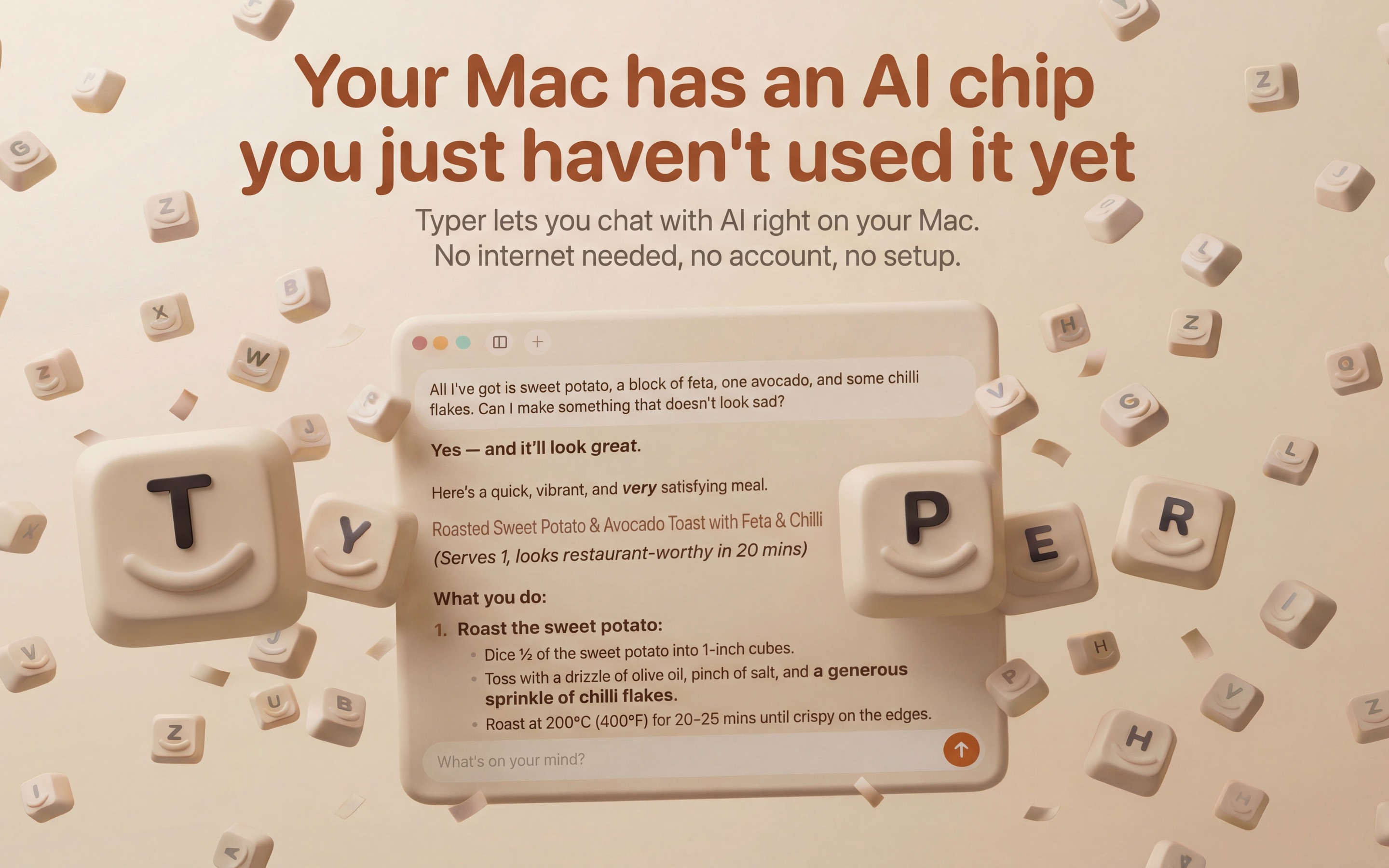
Typer is an innovative, privacy-focused AI chat application designed exclusively for Apple Silicon Macs. It empowers users to interact with advanced AI models directly on their device, eliminating the need for cloud servers, accounts, or internet connectivity for core functionality. Typer's primary purpose is to provide a secure, ad-free, and highly accessible AI experience, keeping all user chats private and on their Mac. It targets Mac users seeking a powerful, local AI assistant for a wide range of tasks without compromising data privacy.
Key Features
- Local AI Processing: Runs AI models directly on your Mac's Apple Silicon chip, ensuring privacy and offline functionality.
- No Account, No Ads: Enjoy an entirely ad-free experience with no signup required, keeping your data on your device.
- Intelligent Web Search: Capable of searching the web for up-to-date information, weather, news, and more, integrating results into chats.
- Visual Understanding: Drag and drop images, screenshots, or diagrams into chats for AI analysis, descriptions, and explanations.
- Automatic Optimization: Typer automatically selects, downloads, and updates the best AI model tailored to your Mac's specifications.
- User-Friendly: No complex configurations or AI knowledge needed; simply download, open, and start chatting.
Use Cases
Typer is incredibly versatile, serving as a personal AI assistant for various daily needs. Users can leverage it for quick information retrieval, asking about today's weather, local opening hours, or the latest news without privacy concerns. Its ability to function offline makes it ideal for productivity on the go, even without an internet connection, allowing users to brainstorm ideas, draft content, or get explanations anytime, anywhere. Furthermore, Typer excels in visual analysis. Professionals can drop screenshots of charts or diagrams to get instant explanations, while students can ask it to read and interpret handwritten notes. For planning and research, Typer can answer complex questions like "How do I get a visa for Japan?" or recommend "The best running shoes under €100?", weaving web search results directly into the conversation for comprehensive answers.Pricing Information
Typer operates on a freemium model. The core application is free to download and use, offering full AI chat functionality and a limited number of web searches without any cost or account. For users who require unlimited web searches and wish to support the development team, "Hyper Typer" is available as a one-time purchase or a subscription via the App Store. This premium version enhances capabilities while maintaining the core privacy and ad-free experience.User Experience and Support
The user experience with Typer is designed for simplicity and immediate utility. Users don't need to understand AI models or configure settings; the app handles all technical aspects automatically, from selecting the optimal AI model for their Mac to keeping it updated. This "download, open, chat" approach makes AI accessible to everyone. While specific documentation or direct support channels aren't detailed, the product emphasizes its intuitive nature and ease of use as its primary support mechanism.Technical Details
Typer is specifically engineered for Macs equipped with Apple Silicon (M1 or later chips), leveraging the on-chip AI capabilities for efficient local processing. The application initially comes with a compact, yet capable, AI model (currently Qwen 3.5) of approximately 500 MB, allowing for immediate use. In the background, Typer intelligently downloads a smarter, larger AI model optimized for the specific memory and capabilities of the user's Mac, typically within 3-4 minutes, without interrupting ongoing chats. The entire AI processing pipeline occurs locally, ensuring data never leaves the device.Pros and Cons
- Pros:
- Enhanced privacy: All chats stay on your Mac.
- Completely ad-free and no account required.
- Works offline for core AI functions.
- Extremely easy to use with no setup or configuration.
- Visual input capabilities (images, screenshots).
- Automatic AI model management and updates.
- Cons:
- Currently exclusive to Mac (iPhone version in development).
- Limited web searches in the free version.
- Initial download of smarter models can take a few minutes.
- Performance scales with Mac's memory and specs.
Conclusion
Typer redefines the AI chat experience by bringing powerful, private, and user-friendly artificial intelligence directly to your Mac. It offers a compelling alternative to cloud-based solutions, prioritizing user privacy and simplicity. For anyone seeking a robust AI assistant that respects their data and works seamlessly on their Apple Silicon Mac, Typer is an essential download. Explore the future of local AI today by downloading Typer for Mac.Comments
Comments will be available once the project is launched.
Publisher

Launch Date2027-05-22
Platformdesktop
Pricingfreemium
Tech Stack
#macOS#AI#ML
Sponsors

Boost Domain Rating
Raise your Ahrefs Domain Rating with 5 - 50 dofollow backlinks from DR 30–65 sites — from $50, guaranteed to improve your DR or your money back.
Become a Sponsor
Get your brand featured here
Outbid
View🥇 🥈
🥈 🥉
🥉
Want this spot? Pay what you wantBest Launch Directories: launch directories with DR, traffic and pricing
Launch directories, product launch platforms and startup listing sites in one table, with Domain Rating by Ahrefs, traffic where known, pricing and link type for each.
$50
Boost Your Domain Rating — DoFollow Backlinks (DR 30–70) from $30
Raise your Ahrefs Domain Rating with 5 - 50 dofollow backlinks from DR 30–60 sites — from $50, guaranteed to improve your DR or your money back.
$45
DirEasy - The Best Directory Boilerplate with AI | DirEasy
The best directory boilerplate, packed with AI, Listings, Payment, Submission, CMS, Blog, Authentication, Newsletter, SEO and more.
$41